
A shared family calendar for one home or two
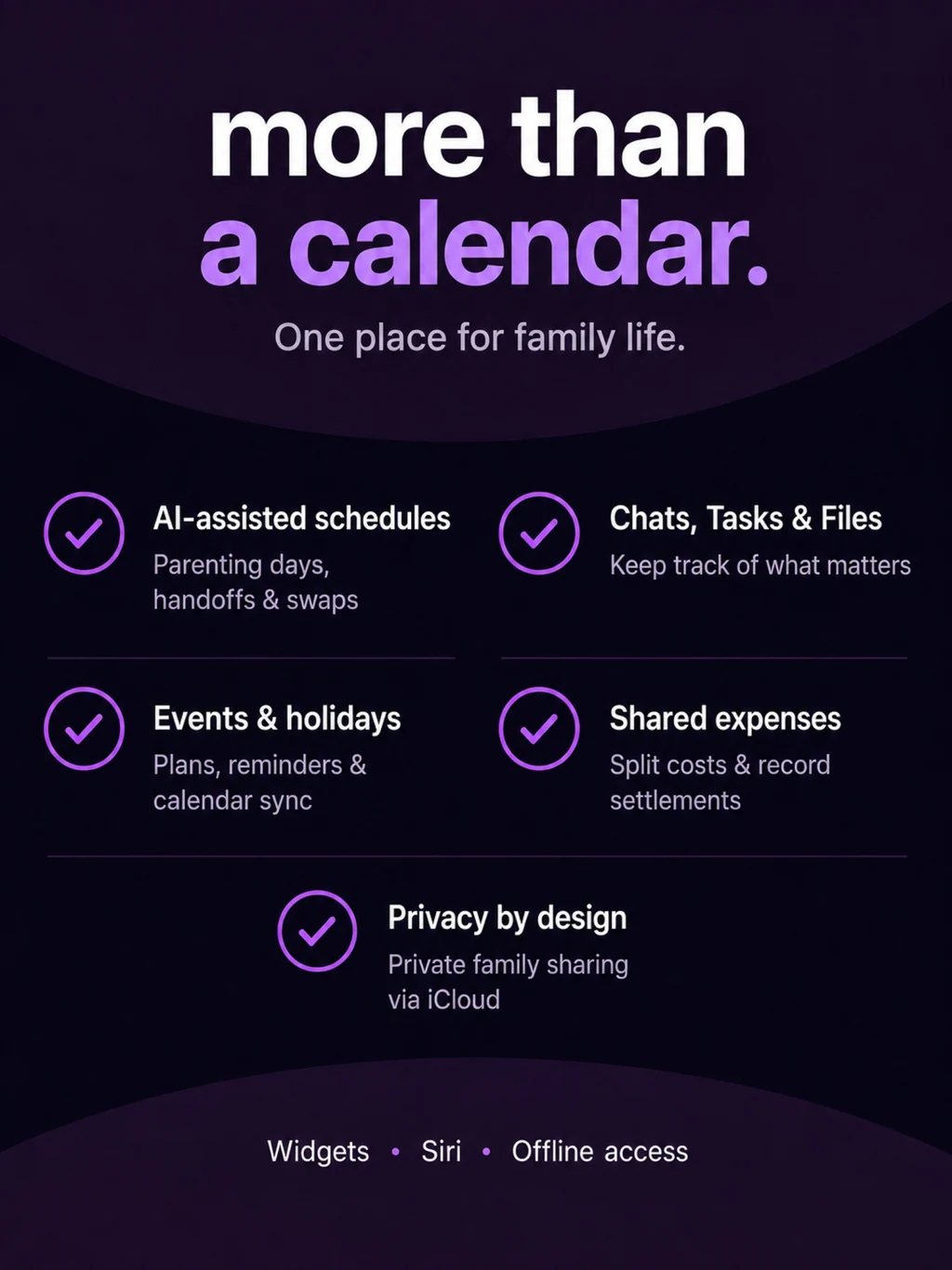
Duet brings events, holidays, conversations, tasks, and files into one family space on iPhone and iPad. Choose the family setup that fits your routine, then invite the other parent through iCloud sharing.
Choose Married or Separated mode
| Family setup | What you coordinate |
|---|---|
| Married mode | One-household planning with shared events, holidays, tasks, topics, and files. |
| Separated mode | The same family tools, plus parenting-day assignments, handoffs, pickup tools, Smart Proposals, Swap Requests, and schedule history. |
You can switch modes without deleting your saved schedule data. The point is to put the tools your family uses in focus.
Keep the conversation beside the next step
Use a topic for a school question, a trip, or an activity. Chat about the details, assign tasks, and keep useful files with the conversation. Read receipts help show when a message has been seen, while the task list makes the next action easier to find.
Getting ready for soccer
Keep practice details in the calendar. Add the permission form to the relevant topic. Assign a task to pack the cleats. Both parents can find the plan and the supporting details without piecing them together from separate messages.
Share privately through iCloud
- Set up your family in Duet. Choose the mode that fits and start with your private calendar.
- Invite the other parent. Send an iCloud sharing invitation from the app.
- Join the shared family. The invited parent opens the link on a supported Apple device and accepts.
- Keep the plan together. Use the same events, topics, tasks, and files as your family’s routine changes.
Both parents need iCloud for family sharing. Duet is free to download, with optional subscriptions for sharing and additional features. An invited co-parent does not need to buy a second subscription to use the shared calendar.
Use the information you already have
On supported devices, AI-assisted import can suggest events and tasks from a school email, file, photo, or text. Review the suggestions before adding them. Ask Siri about family events, holidays, and open tasks, or open cached family information when your connection drops.
For two-home planning, explore schedule swaps and the 50/50 custody calendar guide. Shared expense tracking is also available in Duet.
Questions about shared family calendar, tasks & files for parents
Can parents in one household use Duet?
Yes. Married mode focuses on shared events, holidays, tasks, topics, and files for one-household coordination.
Do both parents need a subscription?
The calendar owner can subscribe to unlock sharing and additional features. The invited co-parent can join and use the shared calendar without buying a second subscription.
Is there a shared family app for Android?
Duet is available for iPhone and iPad, requiring iOS or iPadOS 26 or later. It does not currently offer an Android or browser version of the shared family app.